
The Easiest Way to Get Support Directly in Your Notion Workspace
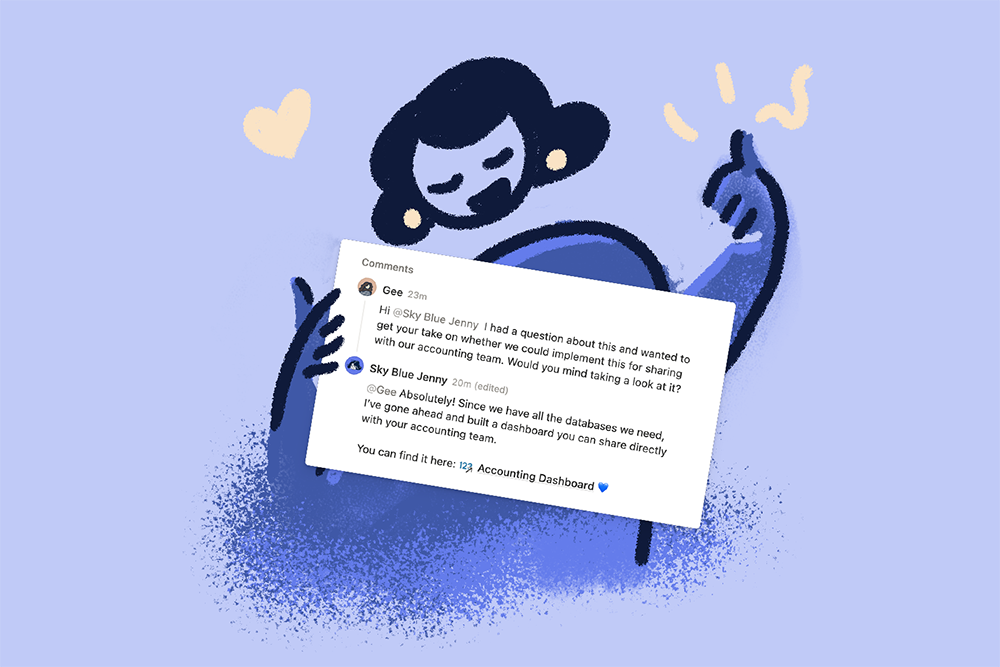

You can now add me directly to your Notion workspace — for free.
No extra seat cost or adding me as a guest on ALL the different pages that support you and your business.
Just direct, hands-on support inside the exact workspace we're building together.
If you've been a client of mine, you know exactly how helpful it’s been to have me be part of your workspace. And if you're not yet a client BUT you’re thinking about working together, this is worth knowing before we start.
Why This Is a Big Deal
Notion's Consulting Partner Program now allows certified consultants like me to be added to your workspace as a temporary member at no cost to you.
This means:
- I can build directly in your workspace — no more exporting templates and hoping all the connections come with it
- Fewer back-and-forth screenshots — I get access to what you see
- Faster turnaround — changes happen in real time, not across 3 email threads
- Cleaner handoffs — I set things up where they live, then walk you through it
It's the difference between a contractor building furniture in their shop and shipping it to you versus showing up and building it in your actual living room. The second one just fits better.
How can we make it happen? (Note: It’s SUPER easy)
There are two ways to do this — you pick whichever feels easier.
Option A — You invite me directly
- Go to your workspace Settings → Members
- Click Add members and enter my email: studio@skybluejenny.com (if I already have access, you will need to remove and then re-add my email)
- Mark the invite as Consultant and set an end date (up to 1 year)
- That's it — I'm in!


Option B — I request access, you approve it
- Share your workspace ID with me (Settings → General, scroll to the bottom)
- I submit a request through the Notion Partner Marketplace
- You'll get a notification to approve it from the Requests tab in your settings
- Click approve — done
A Few Things to Know First
- ✅ It's free — I'm added as a temporary member, not a paid seat
- ✅ You stay in control — only workspace admins can grant or approve access
- ✅ It's time-limited — access is set for a specific end date (max 1 year), and you can extend or revoke anytime
- ✅ Works for most workspaces — requires a paid Notion plan (Plus or above) with more than one member
- ⚠️ You can’t make changes on mobile or tablet
- ⚠️ If your workspace uses SSO, just make sure the email you use to invite me matches the one on my Marketplace profile
Ready to Work Together Inside Your Workspace?
If we're already working together, let's set this up — just send me your workspace ID or add me using the steps above and we'll hit the ground running.
Not a client yet, but want support directly in your workspace? Reach out 💙 — let's talk about what that could look like for your team.

Book an Intro Call
Book a free intro discovery call and we'll explore whether I'd be a good fit to help you design and implement a Notion system that works for how you actually operate — including the behind-the-scenes decisions like this that make all the difference.