Notion Self-Audit Checklist
Your scattered files, forgotten tasks, and team confusion aren't signs of failure — they're doorways to something bigger.
A simple self-audit reveals where your current systems are slowing you down and uncovers opportunities to build a workspace that grows with you. When your content, workflows, and collaboration connect, your system carries the weight so you don't have to.
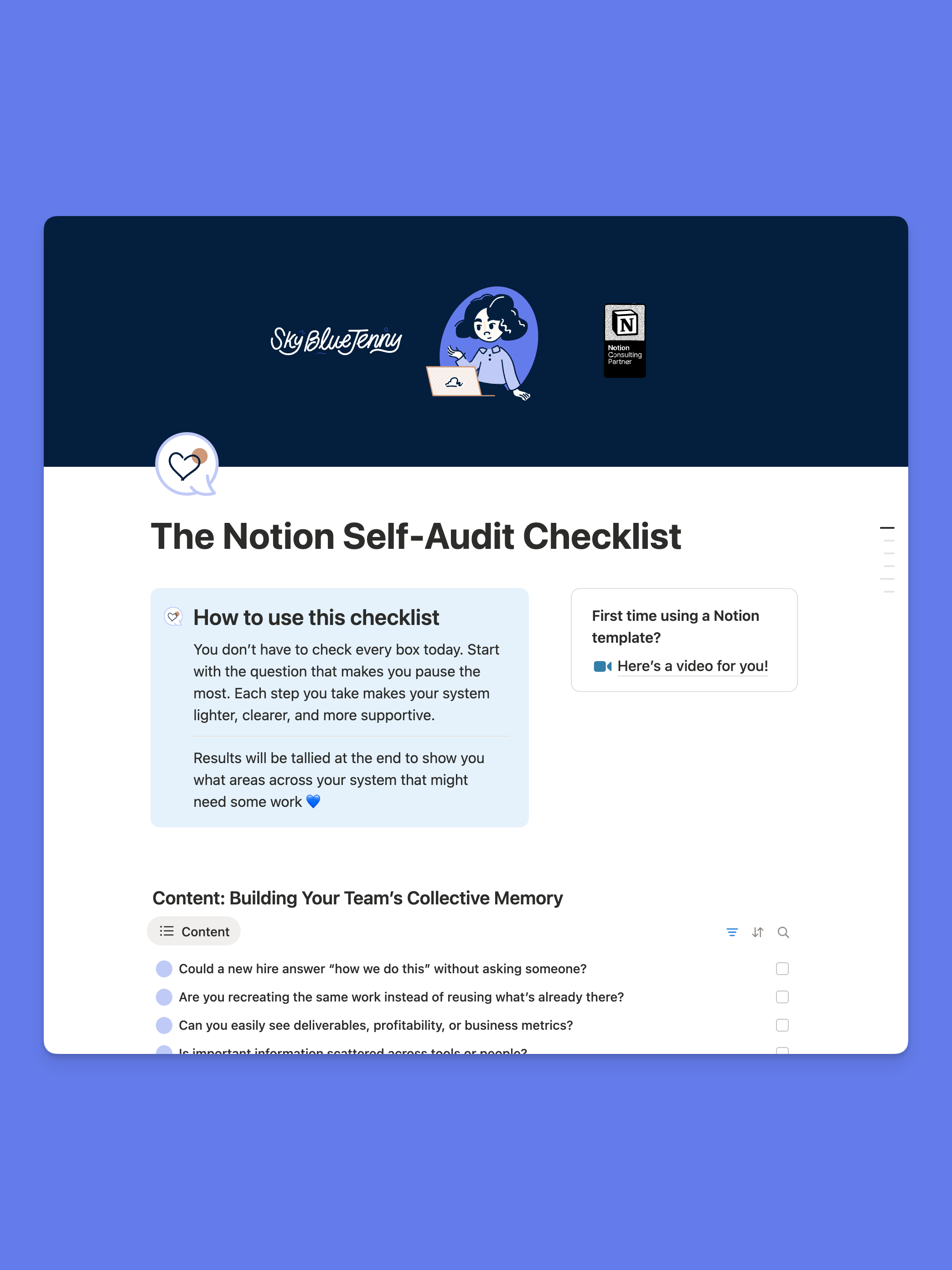
Turn system gaps into creative flow with a self-audit
Your knowledge shouldn't walk out the door
Past projects disappear, metrics hide in scattered tools and pages, and teams rebuild from scratch instead of reusing what already exists.
A strong knowledge base in Notion captures deliverables, processes, and insights in one place — so your work becomes fuel for future-proofing creativity instead of starting over every time.
Your workflows should talk to each other
When tasks live in Slack, budgets in spreadsheets, and projects in Google Docs, things slip through the cracks.
Connected workflows in Notion mean your data flows naturally between clients, projects, and deliverables — automating the repetitive steps so your team can focus on work that matters.
Your team deserves clear accountability
When ownership lives in someone's head instead of the system, confusion creeps in and deadlines disappear.
Properties like "created by" and dashboards grouped by person make accountability visible — so everyone knows who owns what and when it's due, without the guesswork.
Small wins add up to big transformation
You don't need to overhaul everything at once. Start with the spot where you feel the most friction — one database, one connection, one automated step.
Each small improvement makes your system lighter, clearer, and more supportive of the creative work you're here to do.